.svg)

7 Intercom alternatives for support and website sales
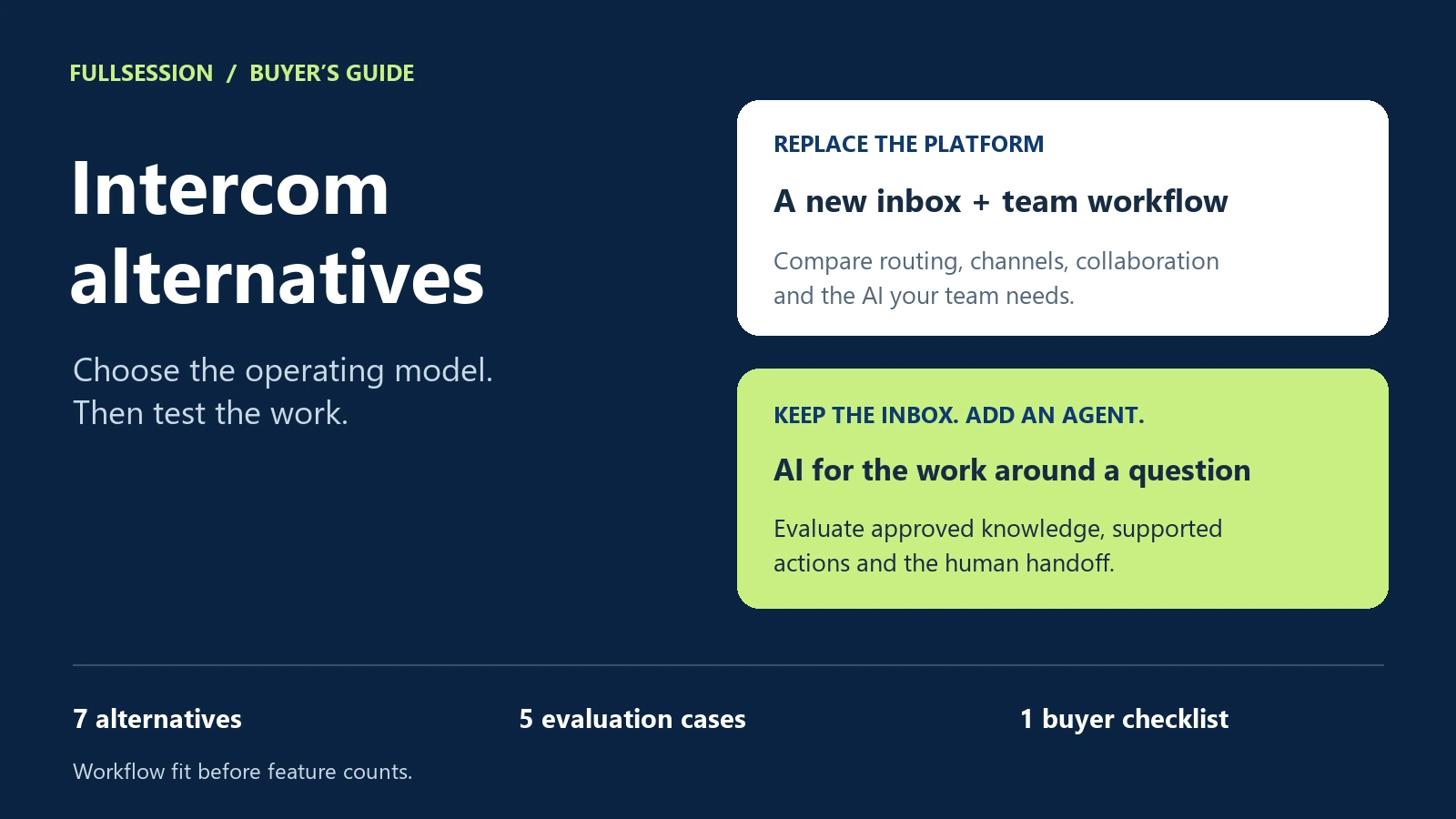

Shortlist an Intercom alternative around the work you need to handle. For support and website buying help with visible task assistance, evaluate FullSession. For a broader service operation, start with Zendesk or Freshdesk. Compare Help Scout for inbox collaboration, Tidio for website chat and sales flows, Crisp for workspace pricing, and Gorgias for ecommerce support.
The first decision is whether you need a new customer inbox, an AI agent for your existing helpdesk, or both. That distinction changes the shortlist and the cost comparison more than the number of features on a pricing page.
This guide compares seven options by workflow, operating model and billing unit. Use the decision table to pick two or three, then run the same support, sales and handoff cases through each.
Intercom alternatives at a glance
The fit recommendations below are our editorial assessment. Product and commercial details are based on official sources checked on . Prices are in USD; annual commitments are identified where quoted. Entry prices are not complete AI deployment quotes. Max pricing and billing rules updated on 19 October 2026.
A named integration establishes a possible connection. It does not establish that every action, channel or permission you need is included. Ask each vendor to demonstrate the specific workflow on the specific plan you are pricing.
How we selected these alternatives
We selected products that address customer conversations, support operations or website buying help, then reviewed their official product and pricing pages. This is a documented-capability comparison, not a hands-on performance ranking. FullSession publishes this guide and sells Support & Sales Desk. We have not assigned ourselves or other vendors a numerical score.
The shortlist gives you different operating models to evaluate. The recommendations explain where to start; your own workflow test should determine the final choice.
Do you need a customer platform or an AI agent?
If the people on your team already have a useful queue, routing system and reporting process, evaluate the AI layer separately. If the inbox itself is the problem, compare the complete human-and-AI setup.
Fin is available on an existing helpdesk without additional Fin seats, subject to a minimum commitment, according to Intercom's pricing page. Max also runs in supported existing helpdesks, including Zendesk, HubSpot and Freshdesk, according to the FullSession Desk page. In either case, the underlying third-party helpdesk subscription remains a separate cost.
For a new inbox, test the human side as seriously as the AI: assignment, internal collaboration, follow-up, access controls and the experience when a teammate is unavailable. A polished bot answer does not tell you whether your team can operate the service.
Which Intercom alternative fits your workflow?
FullSession: support and buying help that can continue into the task
FullSession Support & Sales Desk brings Max AI and your team into one conversation. Max uses approved knowledge, can co-drive the app while the customer watches, and connects to your application's MCP for permitted data and supported actions. MCP (Model Context Protocol) is a standard through which an application exposes tools and data to an AI agent. On a website, Max provides buying answers and help completing a demo request. The Desk app, shared inbox, human chat and supported integrations are included. Third-party subscriptions and optional Core CX / UX recording are separate.
Shortlist FullSession when the question is only the start of the work. A user may need to change a setting, or a buyer may need help taking the next step. Scope the demonstration around that finished task, with the relevant permissions, confirmations and exception path.
What to watch: the FullSession and Intercom comparison includes a vendor-produced co-driving demonstration in FullSession's own app: opening Create Alert, filling the fields and saving. Use it to understand the interaction, then ask to see your required workflow. That footage is a product demonstration, not evidence that a particular third-party application is already connected.
Zendesk: evaluate the whole service operation
Zendesk belongs on the shortlist when channel coverage and operational routing shape the purchase. Its Suite combines ticketing, live chat, messaging, knowledge and telephony. The official pricing page also documents AI agents, external-system actions and higher-tier operational controls. See Zendesk's plan comparison.
The useful evaluation is a complete case, from incoming contact to AI action or human resolution. Include the queue owner, required channel, routing rule and reporting view. Price that exact configuration, including automated resolutions and add-ons. The lowest seat price on the page is not the cost of every Suite capability.
Freshdesk: distinguish ticketing from the Omni deployment
Freshdesk's Growth plan includes ticketing, a shared inbox, a customer portal, knowledge and Freddy AI Agent access. Its pricing FAQ says the first 500 AI sessions are a one-time account allowance, rather than a recurring monthly allocation. Additional session packs and some connected-work charges are listed separately. See Freshdesk pricing and FAQs.
For a conversation spanning channels, also evaluate Freshdesk Omni, which brings channels, customer context and AI together. Keep the configurations distinct: a Freshdesk entry price does not establish the cost of an Omni setup. Ask the vendor to quote the product, plan and connected actions that will actually run your test.
Help Scout: put the team's inbox workflow first
Help Scout is worth evaluating when shared-inbox collaboration is central to the way your team works. Its current Standard plan lists multiple inboxes, knowledge bases, live chat, SMS and social messaging. Higher tiers add more workflow, routing and security controls. AI Answers is a separately priced resolution add-on. See Help Scout's current plans.
Run one case across the channels and ownership pattern your team needs, including a return visit or follow-up. If website sales is part of the purchase, include a buying question and a completed next step in the demo, alongside the support cases.
Tidio: choose the combination of chat, Lyro and Flows
Tidio separates Customer Service, Lyro AI Agent and Flows, with individual or combined purchase paths. Its documentation distinguishes rule-based Flows, which follow configured paths and can engage visitors, from Lyro's AI conversations. The pricing page also lists human handoff, knowledge-based responses and action capabilities for Lyro. See Tidio's products and usage limits.
This makes the configuration important. Test the support answer, the buying flow and the handoff as one journey, then identify which product handled each part. Budget against each relevant allowance. A human-service conversation limit, an AI conversation quota and the number of visitors reached by Flows describe different activity.
Crisp: compare workspace pricing with the AI allowance
Crisp's workspace model includes different numbers of seats by tier. Essentials lists ten seats, knowledge, workflow automation and an omnichannel inbox; Plus adds further AI and task-automation capabilities. AI credits are included at different levels. See Crisp's workspace and feature comparison.
Shortlist it when a workspace subscription fits the way you want to budget for the team. Then test the AI workload separately: the page's estimated automated-conversation counts are estimates associated with credits, not a promise that every conversation consumes the same amount. Check the tier needed for your action and integration requirements as well as the seats.
Gorgias: start with the ecommerce job
Gorgias is a relevant option when your service operation depends on a commerce platform and its connected apps. Its official product pages identify Shopify, BigCommerce, Magento and WooCommerce connections, plus ecommerce use cases including product education and recommendations. Its pricing model combines helpdesk ticket volume with AI-resolved conversations. See Gorgias's ecommerce AI offering and pricing model.
Choose a concrete test: an order-specific question, an exception under your returns policy, or a product choice before purchase. Ask what data and permissions the exact connection requires. A store-platform logo is a starting point for that conversation, rather than proof that a particular transaction can be completed.
Use the same five cases in every vendor demo
Take five anonymized cases from your own support and buying journeys. Supply the same approved knowledge and expected result to each shortlisted vendor. The examples below are evaluation prompts, not claims that every product supports the task.
For each case, record pass, partial or fail, the configuration required and the evidence: transcript, completed state or handoff record. Treat a privacy violation or falsely claimed completed action as a failed requirement even if the rest of the demo is impressive.
Keep quality and cost separate at first. A cheaper configuration that fails a required job does not pass. Once two configurations meet the job, price their own billable events against the same underlying workload.
Download the plain-text buyer evaluation checklist. It includes the five cases, a billing worksheet and the questions to bring to each demo.
Compare the billable workload, not just the unit price
An AI conversation, a service outcome, an AI session, a ticket and a paid seat are vendor-defined units. Map the same underlying workload to each provider's billing definition before comparing the bill.
Max uses one billing metric across support, sales and Customer Success, including Digital Adoption: $0.39 per AI-assisted conversation, with one shared $99 monthly minimum fully credited toward usage. The minimum is not added on top; unused allowance expires monthly. There is no second subscription for adoption.
One conversation covers one user in one thread for a fixed 24 hours from Max's first substantive answer, guidance or supported action. Follow-up questions, explanations, supported actions, text/voice switches and changes of topic or solution stay included. Refreshing, closing or reopening does not restart the window. After expiry, new user-requested or explicitly accepted help starts another billable conversation when Max delivers substantive assistance. Expiry and continuing earlier work alone do not charge; remembered context and progress persist.
Human takeover after substantive Max help does not cancel or reverse the charge, and human replies add no AI charge. Human-only chat, greetings or clarification without substantive help, unaccepted proactive offers, internal tests, failed starts without help and handoffs before substantive help are free. Internal model calls, tool steps, retries and audio chunks add no units.
For a fair quote, write down the number of people needing access, channels, expected AI activity, required actions and optional context tools. Ask each vendor to map those inputs to its own billing definition. Include minimum commitments, included allowances, overages and separate subscriptions.
Intercom Essential currently starts at $29 per seat per month on annual billing, with Fin service outcomes from $0.99 and other usage where applicable. That is a pricing structure, not a like-for-like denominator for Max conversations or another vendor's AI sessions. Check Intercom's current definitions and terms.
For the detailed calculation method, use our AI chatbot pricing guide. For a focused two-product evaluation, use FullSession vs Intercom.
Questions to settle before choosing
Which Intercom alternatives fit both support and website sales?
FullSession and Tidio are useful starting points when both workflows matter: FullSession documents Max's support and buying assistance, while Tidio combines customer service, Lyro and sales-oriented Flows. Gorgias is relevant for ecommerce. Use one support task and one buying journey to confirm that the chosen configuration covers both.
Should we keep our current helpdesk and add an AI agent?
Evaluate that path when the human inbox already works for your team. Check that the agent can use the required knowledge and data, perform the permitted work, and hand over into your existing queue with useful context. Include the helpdesk subscription in the cost calculation.
What is the cheapest Intercom alternative?
There is no single cheapest option for every workload. Free entry plans and low base subscriptions can be useful, but compare the configuration that meets your required channels, team access, AI volume and actions. State the workload and contract term before calling one option cheaper.
See the work you need to handle
Bring one recurring support question or website buying task to a Support & Sales Desk walkthrough. We will use it to discuss the approved knowledge, supported action path, human handoff and conversation volume for your setup.
See what’s costing you, and prove whats fixing it is worth
Watch the real journey, rank every issue by revenue impact, and validate the result against baseline.






.svg)
.svg)
212 E Stone Path St Derby, KS 67037 Phone: +1 415-649-4222



All systems operational.