.svg)

Get the reason in the visitor's own words, attached to the moment it happened.
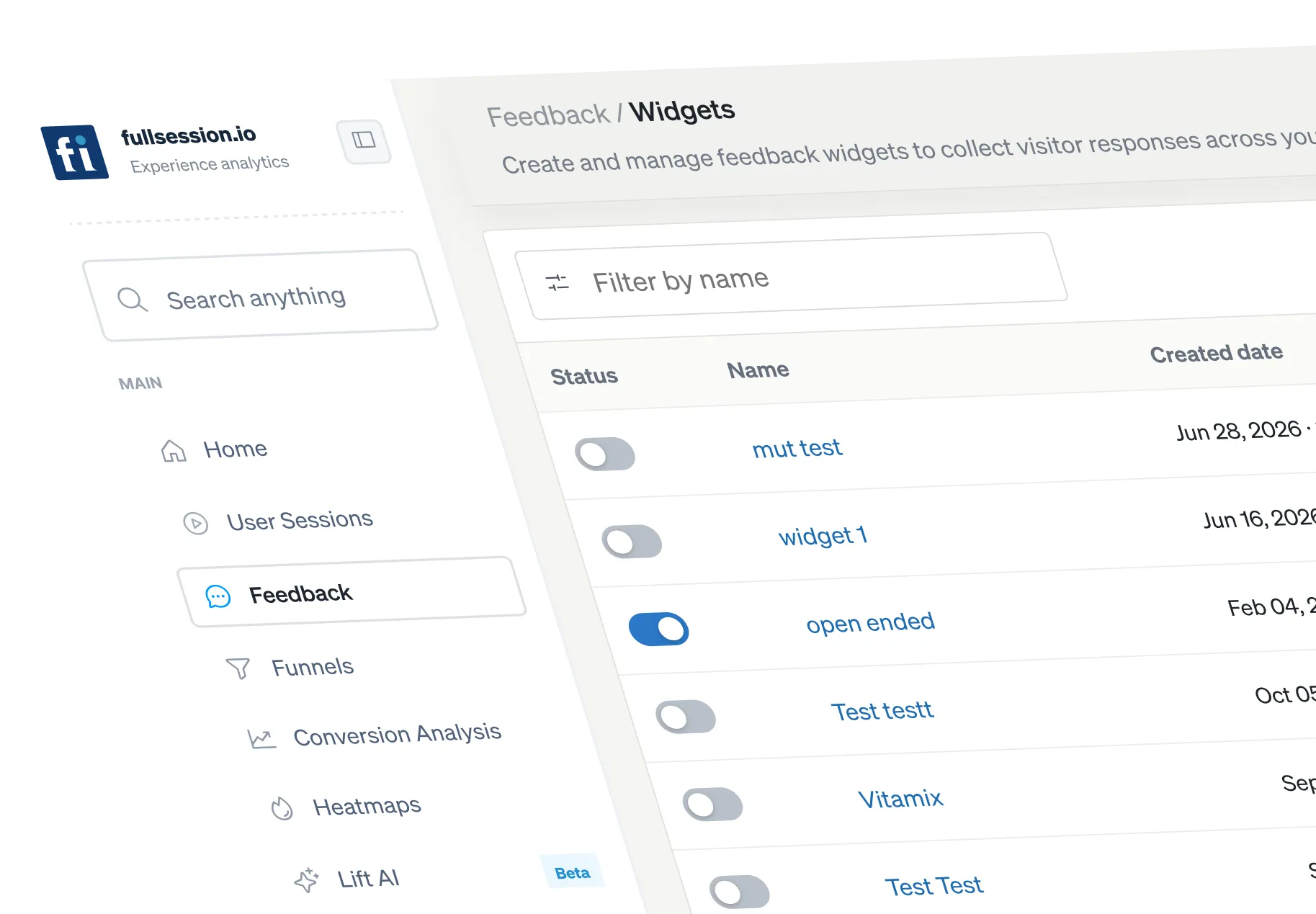
Launch targeted CSAT and open-text prompts on the pages and moments that matter. Every response opens the session behind it.
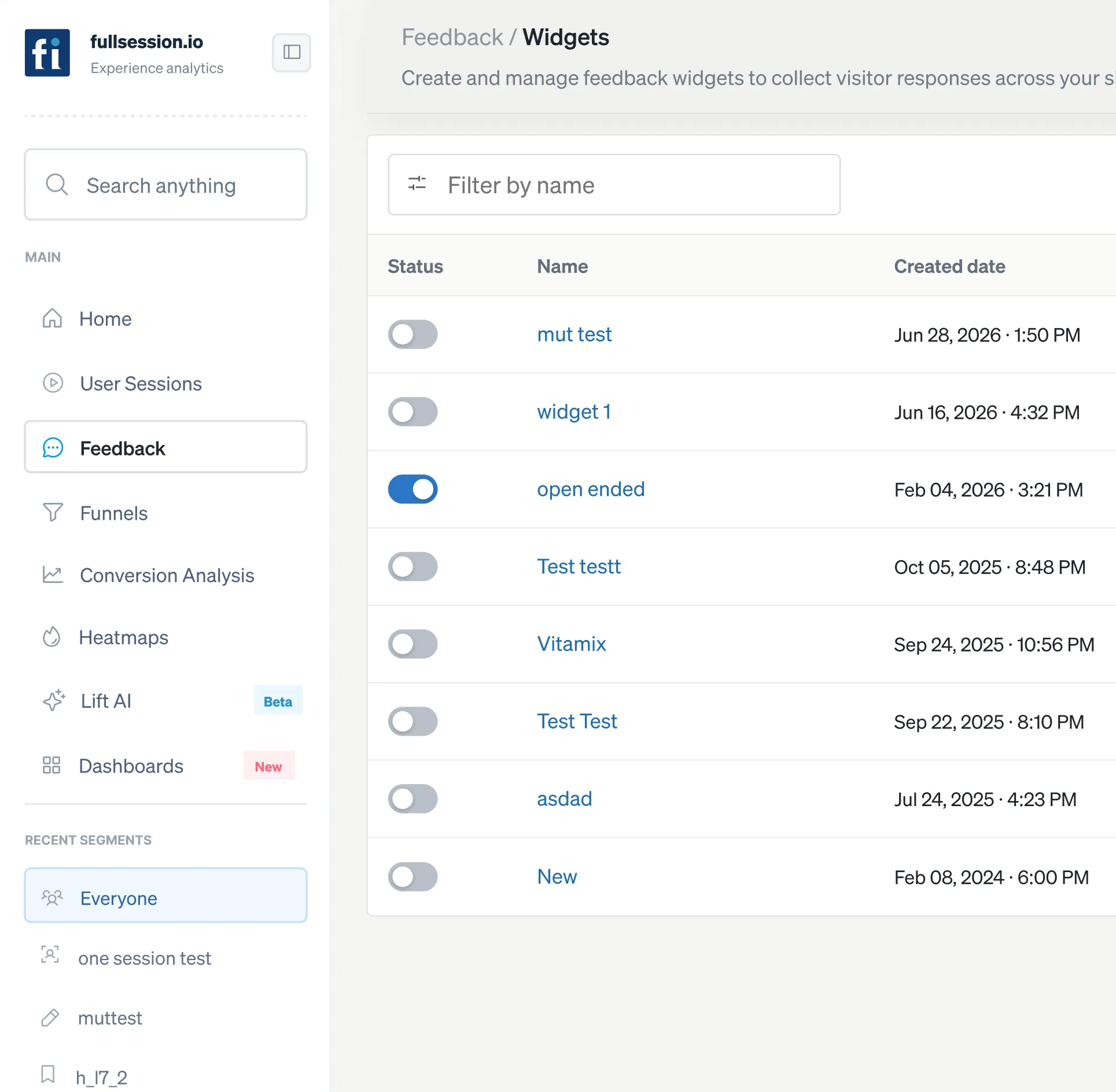






.svg)

What can you do with Feedback?
A comment on its own is an opinion. The same comment next to the session it came from is evidence.

Ask at the moment of friction.
Trigger a prompt where it matters, on a specific page or after a specific action, rather than showing everyone the same pop-up.

Watch what they were reacting to.
Open the recording tied to any response and see the thirty seconds before they wrote it.

Decide what to act on.
Weigh comments against sessions, heatmaps, and funnel steps to ensure loud responses don't overshadow quieter, costlier patterns.
Capture user sentiment and actionable insights in real time.
Pair every response with the behavior that produced it, then ask the right visitors at the exact moment context matters.
Open the session behind each comment so qualitative feedback arrives with the context product and engineering need.
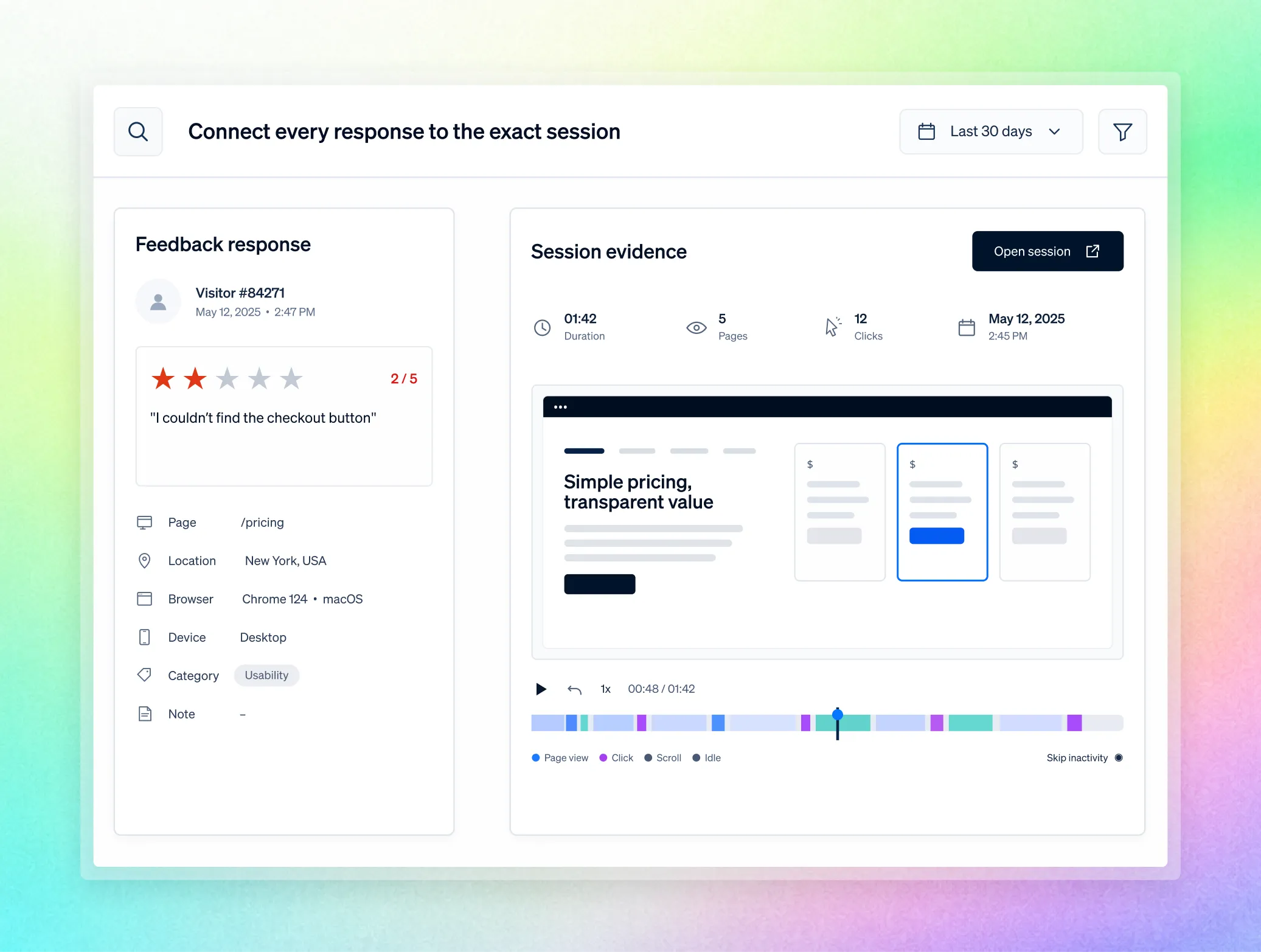
Hear the actual objection behind a drop-off instead of inferring it from a bounce.
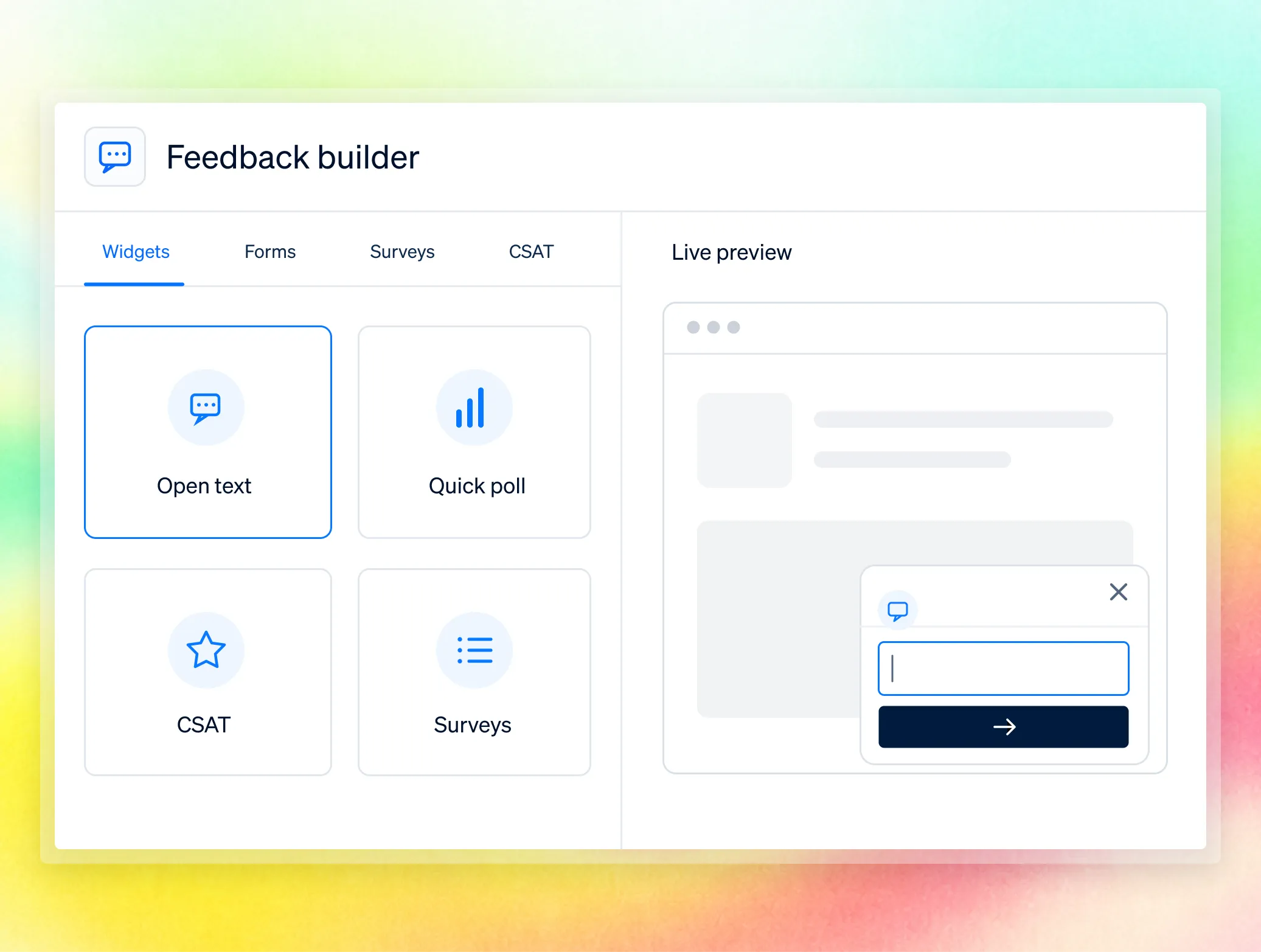
Tell a design problem from a technical one: a dead click on a broken element versus an ignored working button.
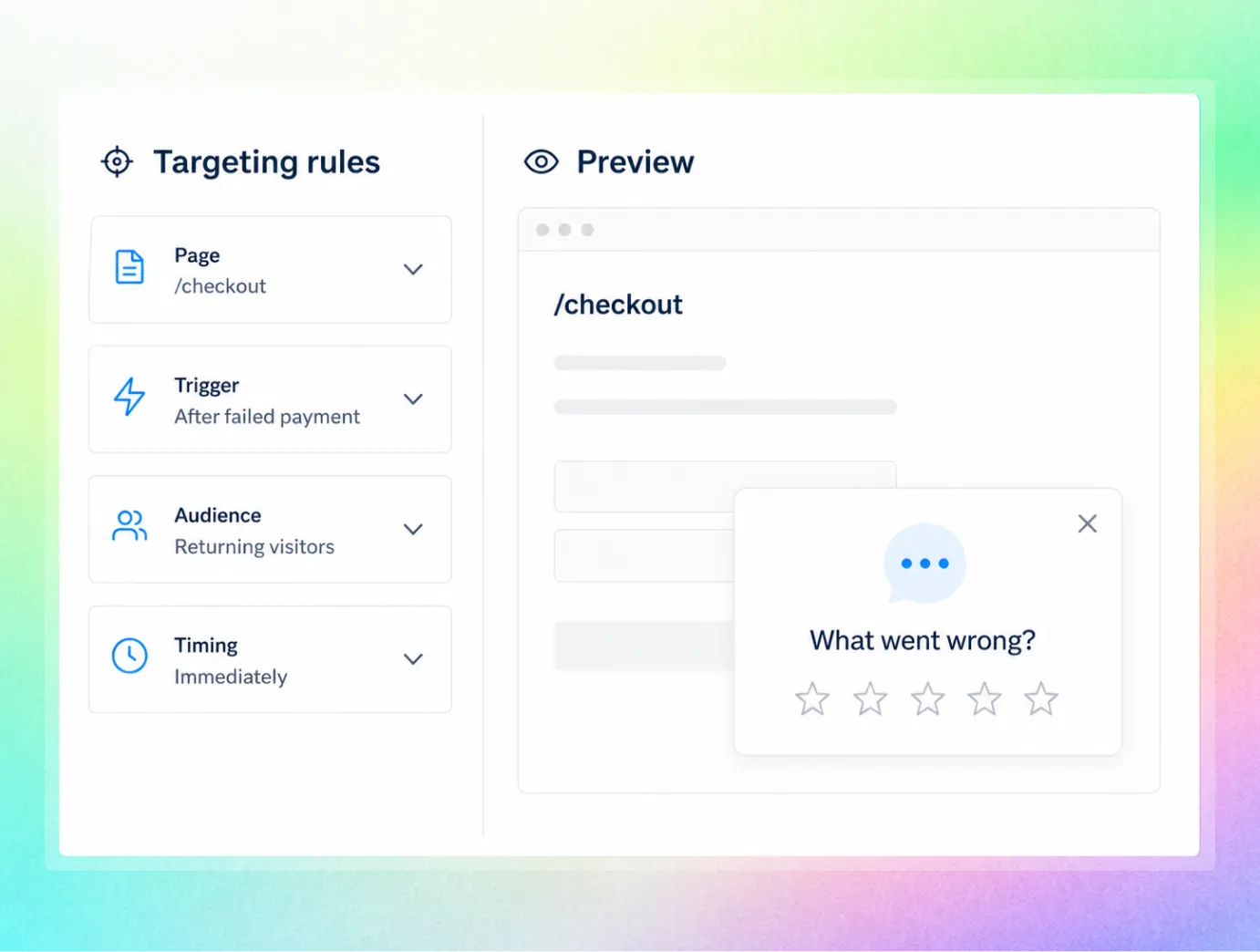
Measure whether solving the top friction theme improved completion across the affected flow.
%20(1).avif)

One workflow for every team accountable for the outcome.
Bring Product, UX, Growth, Engineering, and Support into one shared workflow—from identifying friction to prioritizing fixes and measuring impact. Every team works from the same evidence and stays aligned on the outcome.

.avif)

Validate a design hypothesis with the user's own words and the session behind them.

Hear the actual objection behind a drop-off instead of inferring it from a bounce.
.avif)
.avif)

Tell a design problem from a technical one: a dead click on a broken element versus an ignored working button.
.avif)
.avif)
Is it safe for sensitive pages?
Yes, and it is built for security review, not around it. Masking and blocking happen at capture, in the visitor's browser, so protected values never reach FullSession.

Masking and blocking happen directly in the visitor’s browser, so protected values never reach FullSession. Sensitive data stays private from the moment it is captured.

Control access with RBAC, SSO/SAML, audit logs, and custom retention. Governance features are available on Professional and included as standard on Enterprise.

FullSession supports GDPR, CCPA, and PCI-ready payment flows, backed by security reviews and an uptime SLA. Data is hosted in the US, with European residency available on request.
Teams use FullSession to turn behavior into proven outcomes.
"FullSession shows us exactly where users get stuck without digging through hours of recordings. It’s where we start when we know there’s something wrong and needs fixed. It was easy to launch and the FullSession team is super responsive and helpful."

12x
5x


Frequently Asked Questions.
Widgets, forms, and surveys including CSAT and open text, each response linked to the session in which it was given.
Yes. You choose where prompts appear and when they fire.
Yes.
Prompts are configured without a code deployment for most standard use cases.
Lift AI analyzes the behavioral and technical data across your funnels and ranks the friction by predicted impact. You read the comments against those ranked opportunities to decide what to act on first.
Yes, it lives on the same session data, so a comment can be checked against the step or the error in that same session.
Stop guessing what "confusing" meant
Watch the real journey, rank every issue by revenue impact, and validate the result against baseline.





.svg)
.svg)
212 E Stone Path St Derby, KS 67037 Phone: +1 415-649-4222



All systems operational.