.svg)

See exactly what happens inside your native apps.
Replay native sessions with gestures, console logs, and network calls—then reproduce crashes and prioritize fixes from real behavior.






.svg)

What you can do with mobile session replay
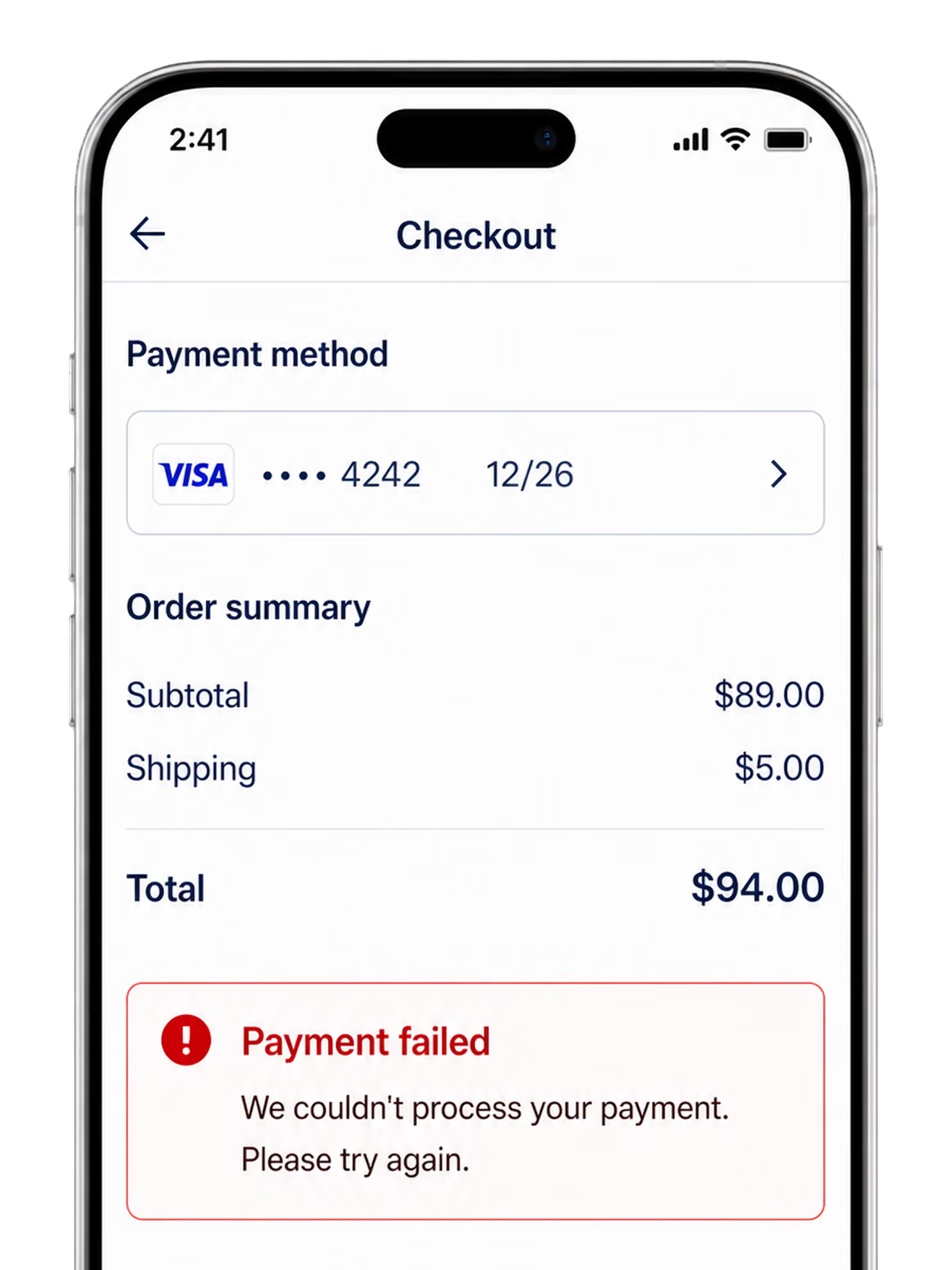
Go beyond a crash report and see the screens, gestures, and dead taps that led the user there.
Watch the on-device journey.
See how users move through the app, screen by screen and gesture by gesture, before a drop-off, crash, or uninstall.

Reproduce
faster.
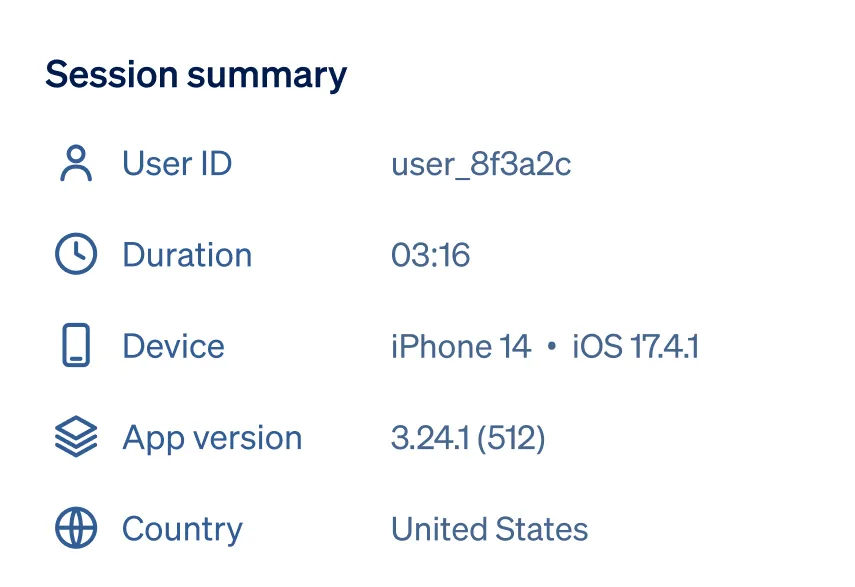
Sync replay with console logs, errors, and network calls, so engineers jump to the exact moment things broke.

Fix the issues that
matter.
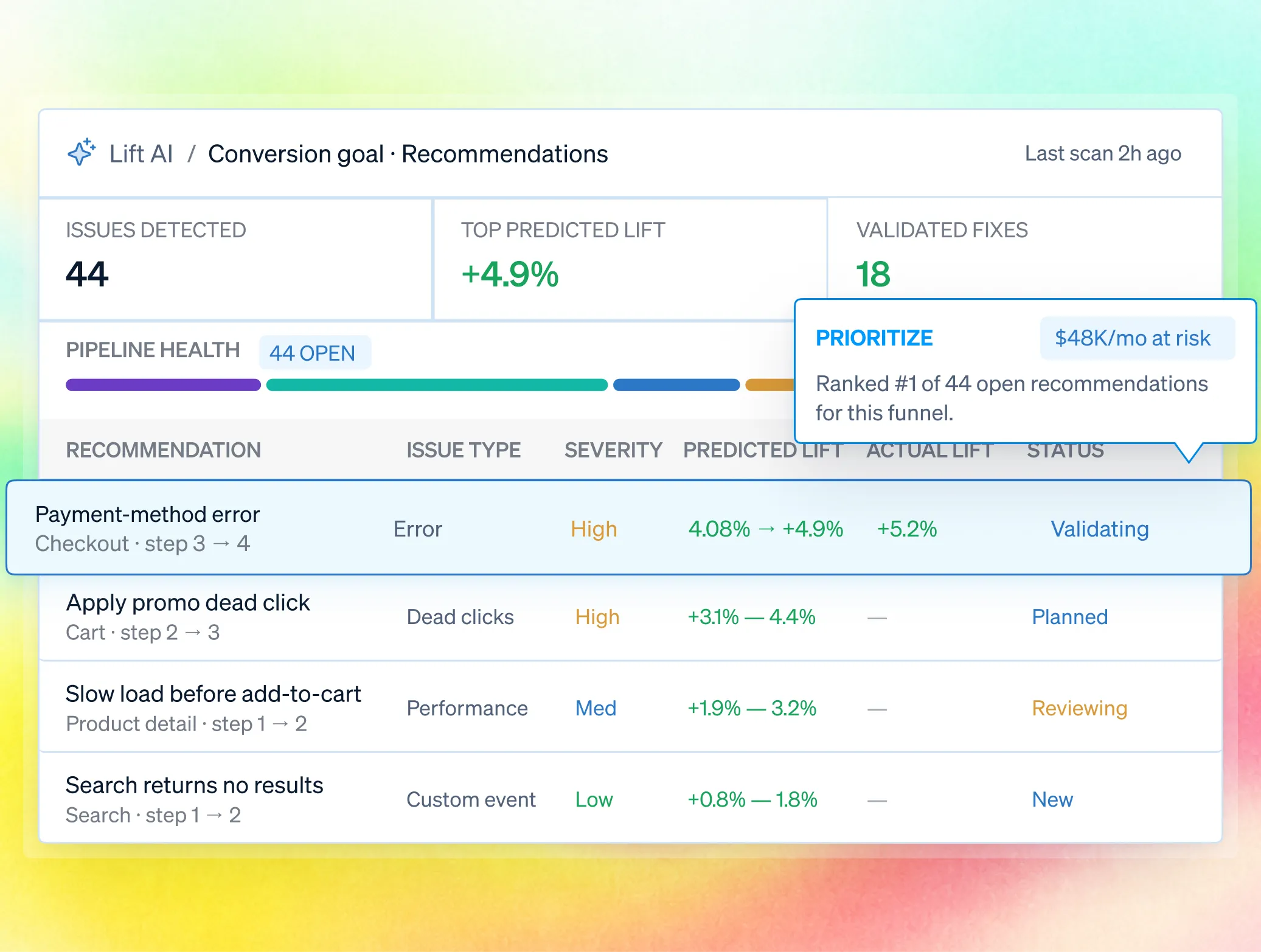
Correlate mobile pain with conversion and retention, so the roadmap targets what moves the number instead of one-off reports.
Mobile session replay in depth
Instrument once, capture the full on-device context, and replay the exact path behind a crash or drop-off.
Add the Android, iOS, or React Native SDK, initialize it with your app key, and configure capture. Structured events keep replays high fidelity without heavy video.
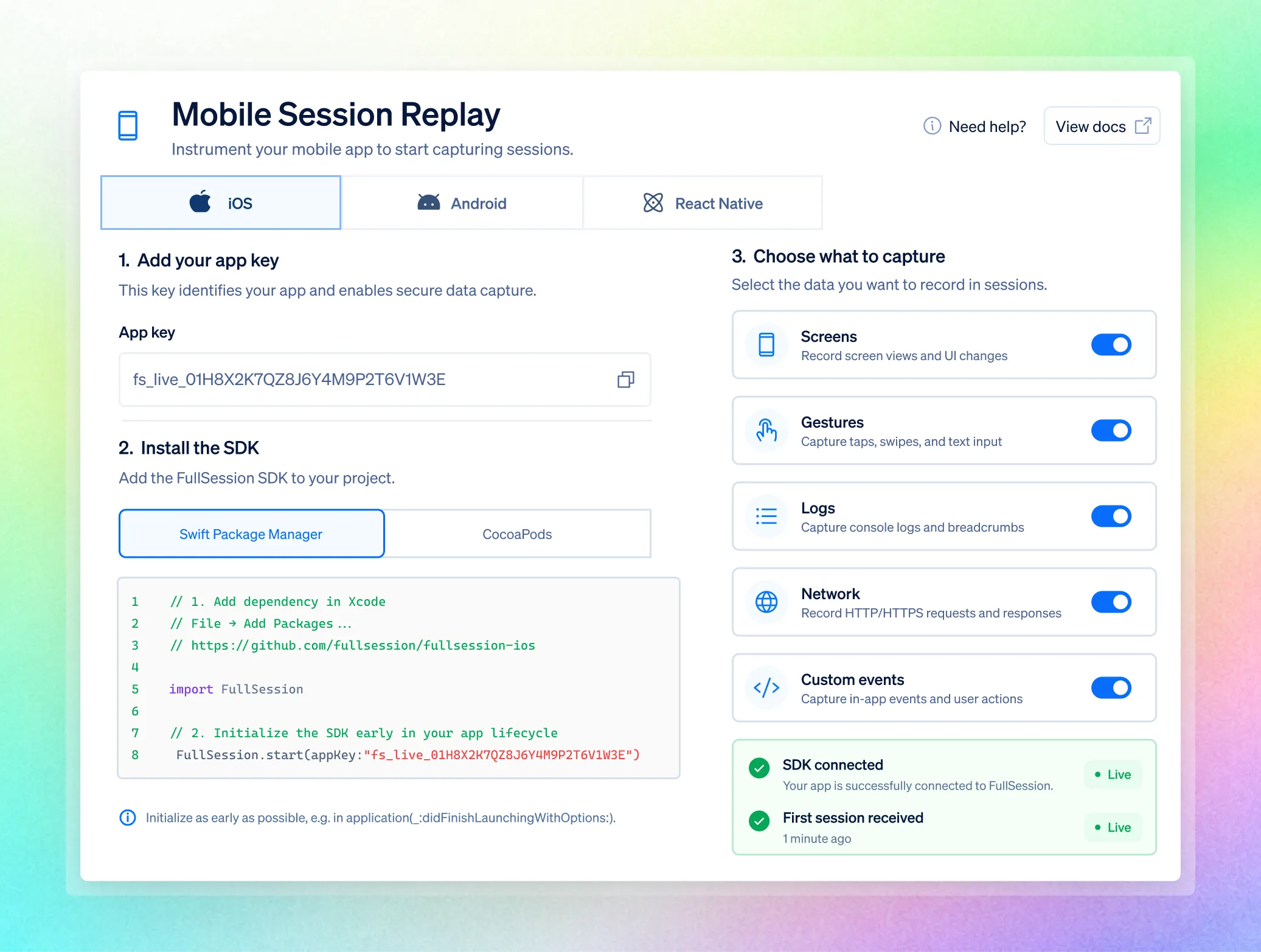
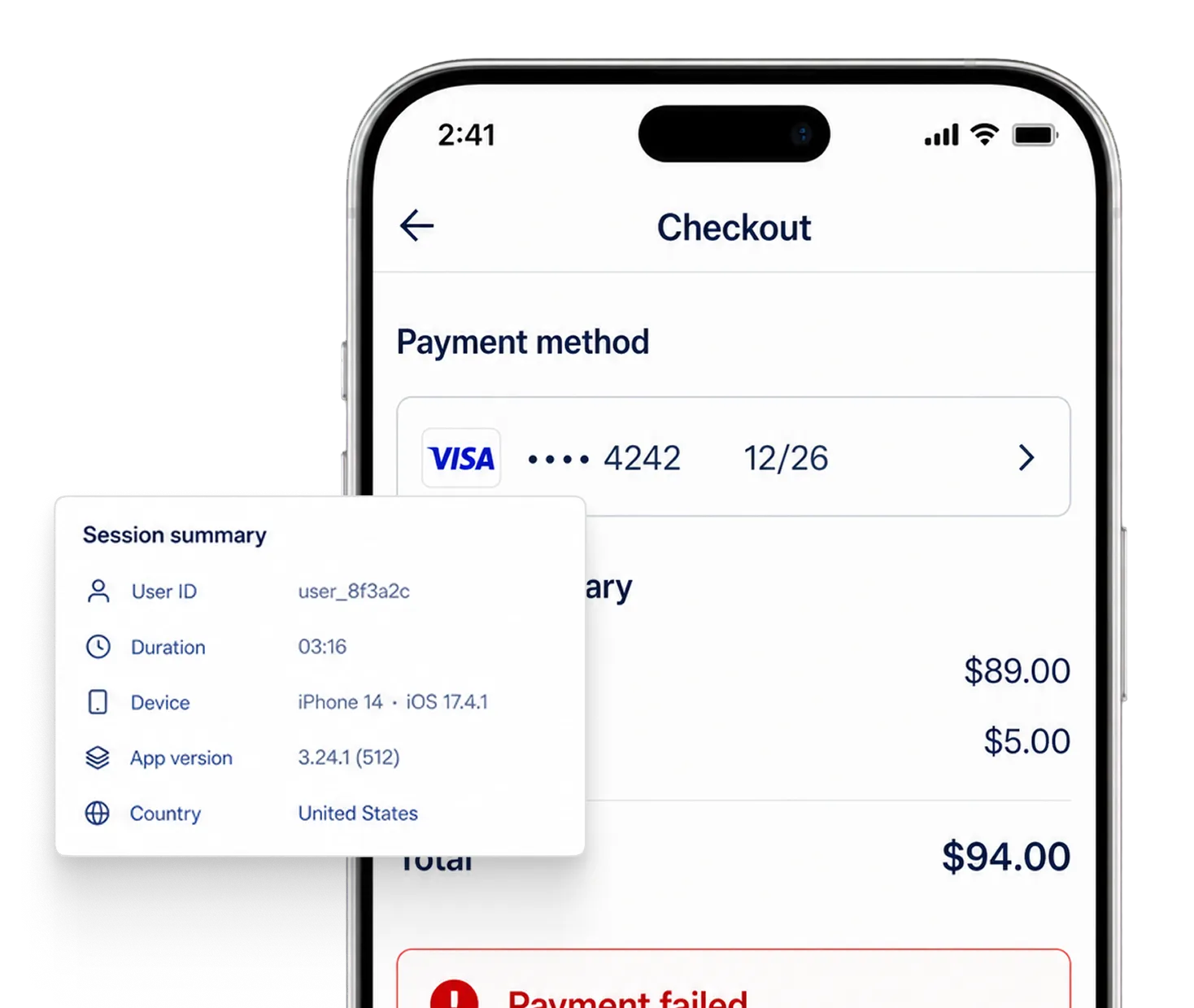
Record screens, gestures, rage taps, logs, errors, network activity, custom events, and safe user attributes, with configurable inclusion and masking.
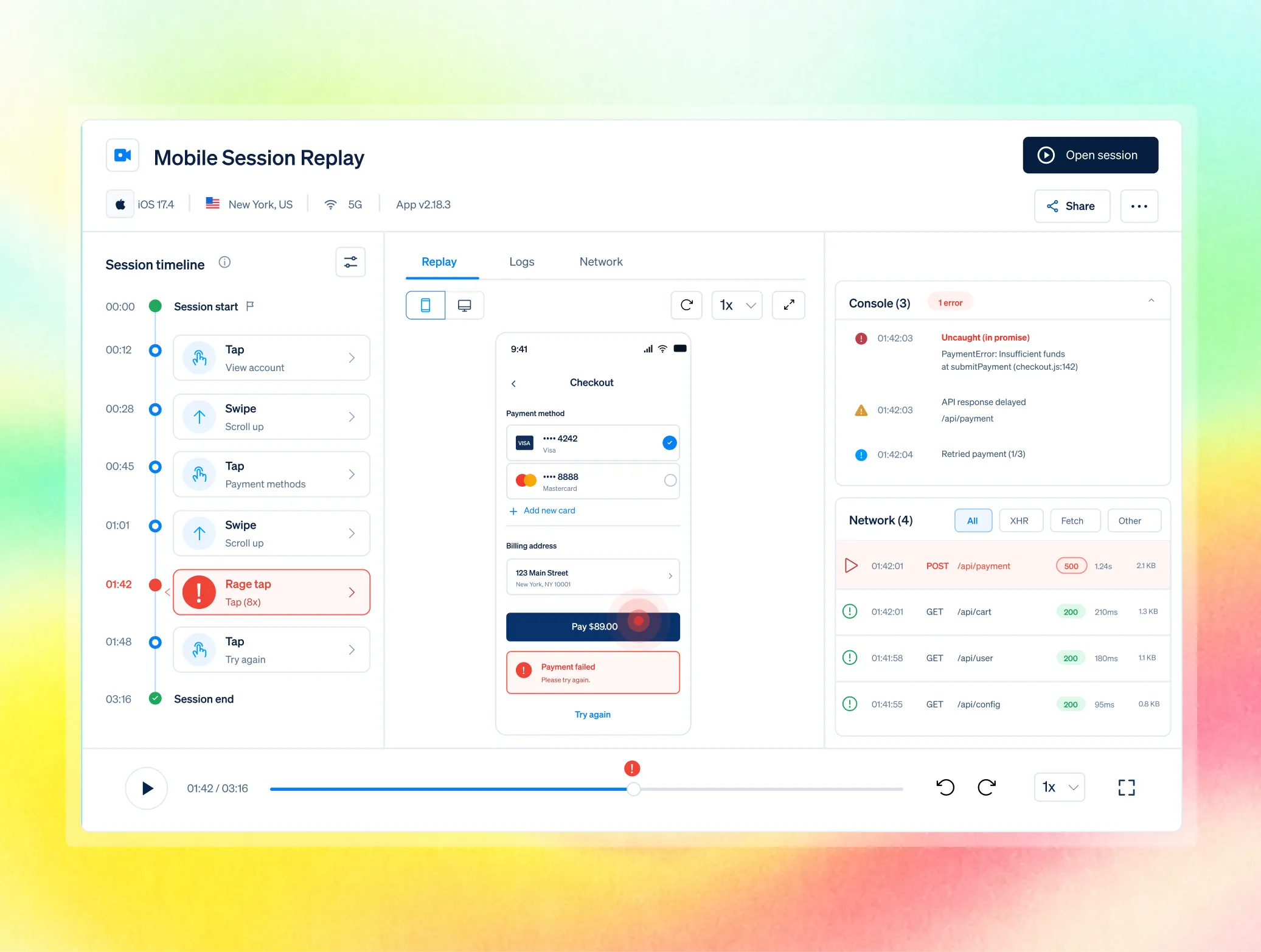
Open any mobile session with logs and network calls synchronized, then jump from a crash, error, or alert into the exact evidence behind it.
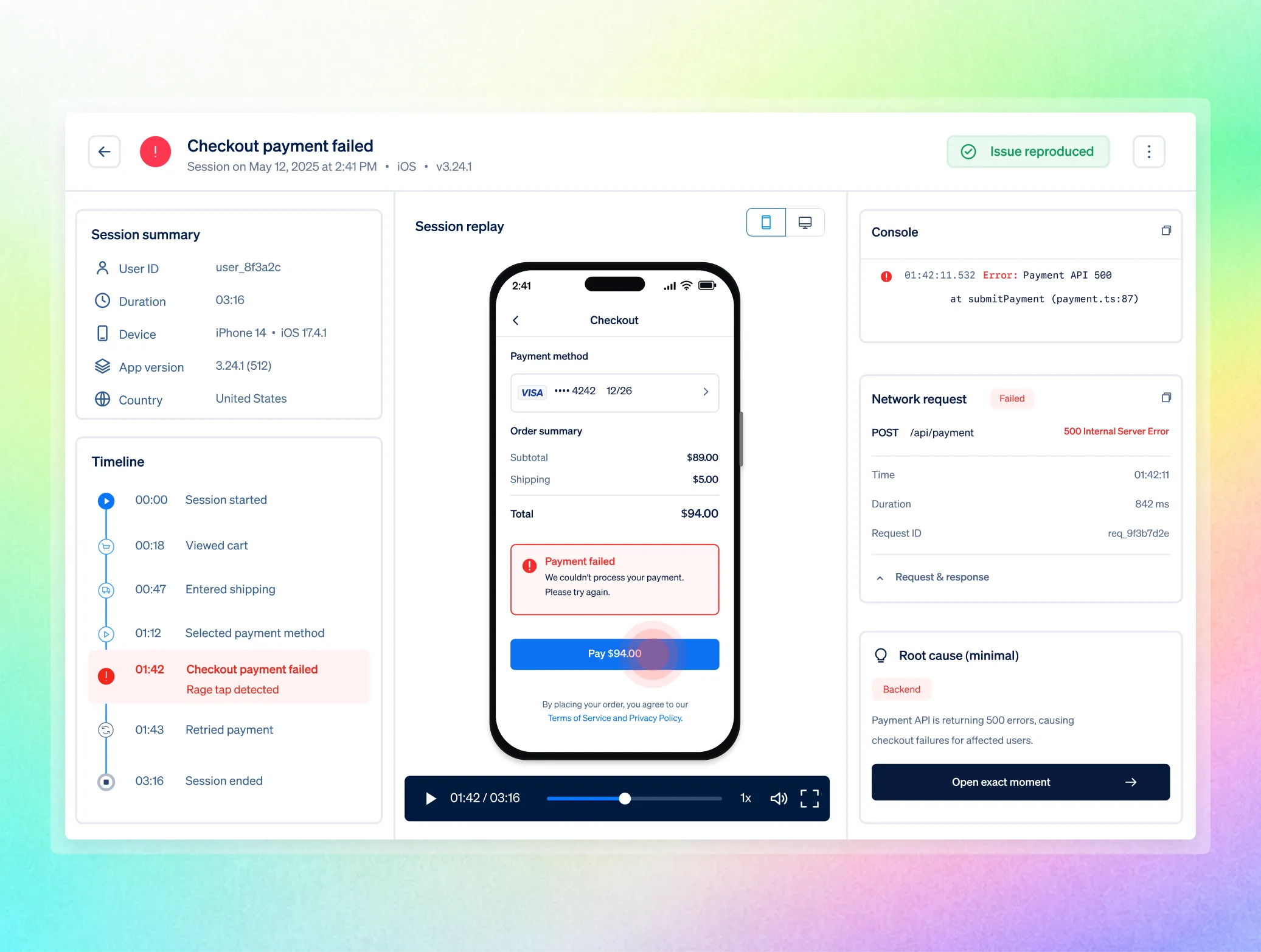
Unify web and native sessions — Native sessions join the same captured stream, powering the same funnels, errors, and feedback.

Who uses mobile session replay
Put product, engineering, and support on the same mobile evidence—from the user journey to the logs behind the failure.

.avif)

Validate flows, onboarding, and experiments with real sessions, and see where users hesitate or churn.

Jump from a crash, error, or alert into the exact replay with console and network logs, and reproduce in minutes.
.avif)
.avif)

Open the session behind a ticket to see what the user experienced, then hand engineering clean evidence.
.avif)
.avif)
Is mobile capture safe
for sensitive data?
Protect sensitive inputs on device and govern access, retention, compliance, and residency across every mobile session.

Passwords, card data, and other sensitive inputs are protected before they can leave the app.

RBAC, SSO/SAML, audit logs, and configurable retention support controlled mobile rollouts.

GDPR and CCPA are supported, PCI is supported for payment flows, and data residency is available in the US or Europe on request.
Teams use FullSession to turn behavior into proven outcomes.
"FullSession shows us exactly where users get stuck without digging through hours of recordings. It’s where we start when we know there’s something wrong and needs fixed. It was easy to launch and the FullSession team is super responsive and helpful."

12x
5x


Frequently Asked Questions.
Crash reporting tells you something failed and where in the stack. Mobile replay lets you watch the screens, gestures, logs, and network calls leading up to it, so you see why it failed from the user's point of view.
Screen transitions, touch and gesture events, console logs and errors, network request and response metadata, custom events, and non-sensitive attributes for filtering. You configure what to include or mask.
The SDK records structured events, not heavy video, to minimize CPU and network overhead. As with any analytics SDK, test in your own environment; most teams find the footprint small relative to the visibility gained.
Retention is configurable by plan and can be tuned to your compliance requirements, with older recordings deleted automatically.
Paid plans that include session replay, on the same session-based pricing as web, with unlimited seats and no per-domain fee.
Yes. The MCP server reaches mobile sessions like any other, so your team can ask for the sessions behind a mobile issue and act on the answer.
See every mobile session, and fix the issues that cost you installs.
Real sessions across iOS, Android, and React Native, with screens, gestures, logs, and network calls in one place.





.svg)
.svg)
212 E Stone Path St Derby, KS 67037 Phone: +1 415-649-4222



All systems operational.