.svg)

How to install FullSession on WordPress
May 8, 2026

Table of contents

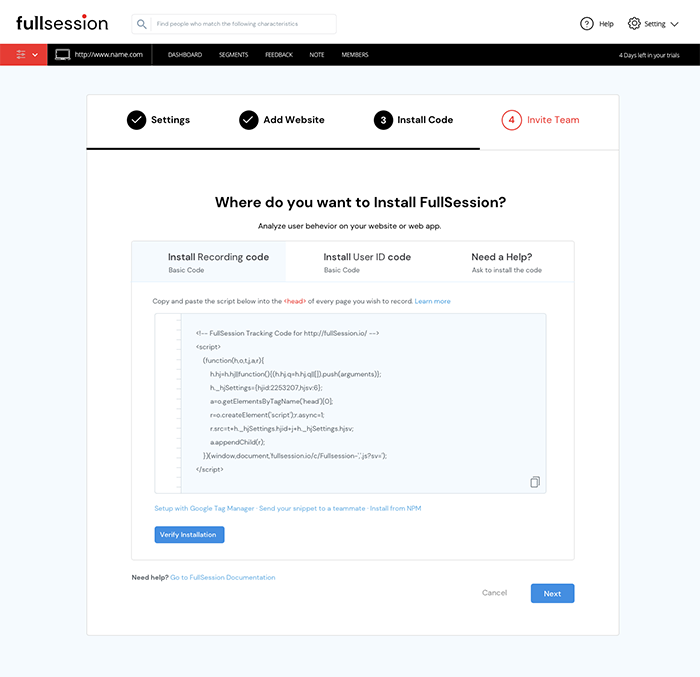
- Copy the FullSession code that shows on your setup page.
- Open your WordPress dashboard.
- Go to the Appearance section.
- Open Editor.
- Open the Theme Header file.
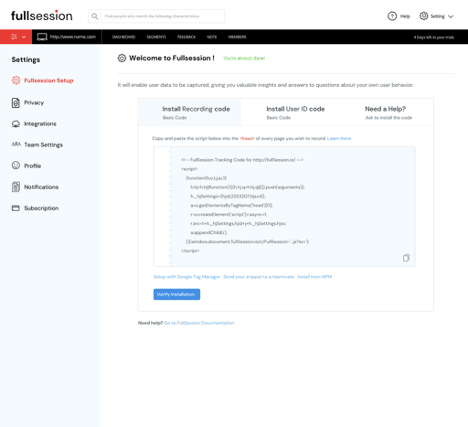
- Paste the copied code into this file before the </head> closing tag.
See what’s costing you, and prove whats fixing it is worth
Watch the real journey, rank every issue by revenue impact, and validate the result against baseline.






.svg)
.svg)
212 E Stone Path St Derby, KS 67037 Phone: +1 415-649-4222



All systems operational.