.svg)

How to build a chatbot knowledge base for customer support
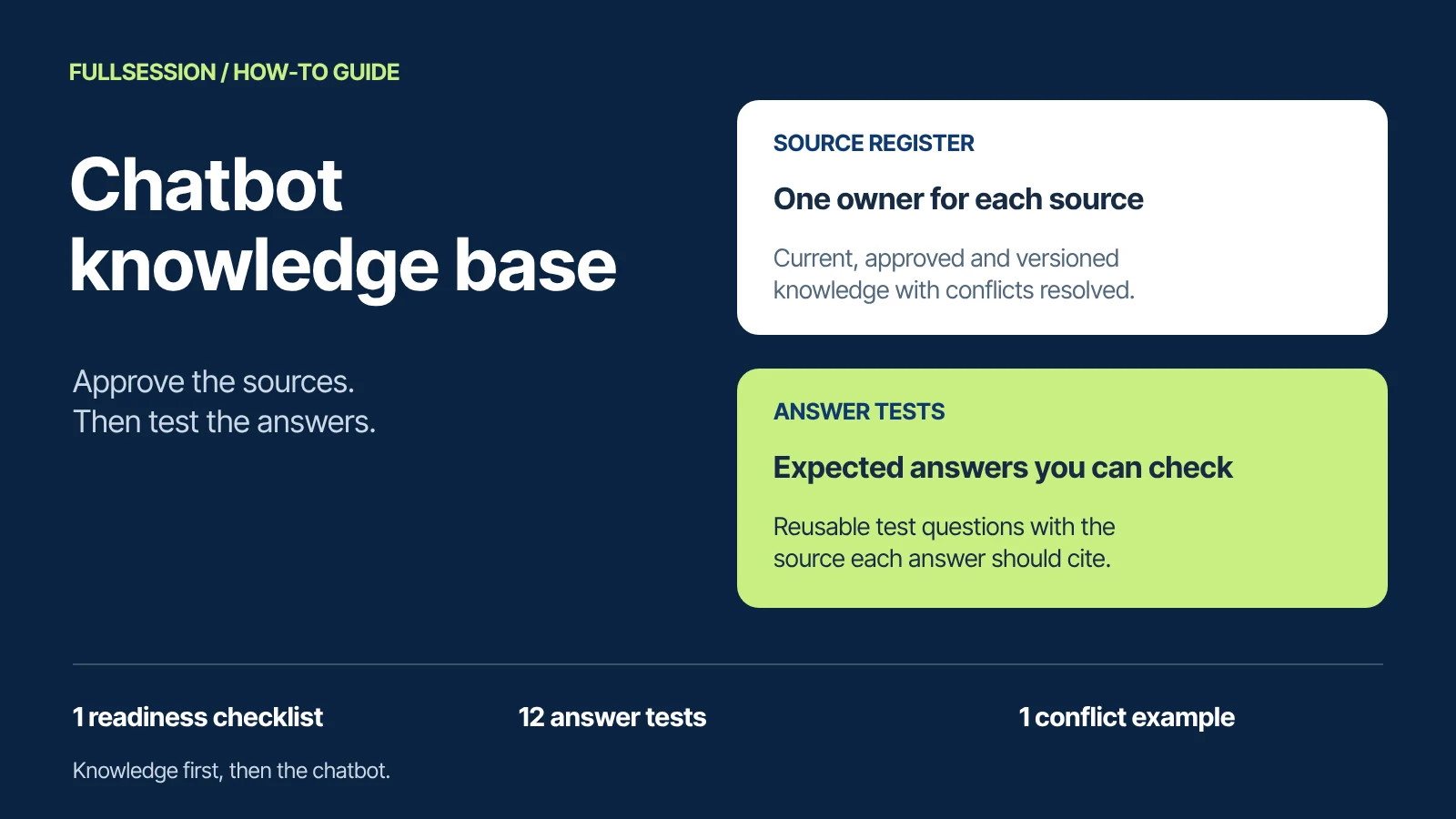

Build a chatbot knowledge base by choosing the support questions it must answer, approving the sources behind those answers, and testing both the answer and its limits. Give every source an owner, an applicable audience and a version. Resolve contradictions before connecting the content, then check known questions, missing information, stale policies and restricted requests.
A working knowledge base needs more than a successful import. The customer should receive the right answer for their situation, and the team should be able to verify why it is right. This guide includes a filled source register, a before-and-after policy example, a downloadable source-readiness checklist and a reusable answer test set.
Sources reviewed 19 October 2026. FullSession publishes this guide. All sample policies, source IDs and test conversations below are fictional examples, not FullSession policies or observed product-test results.
What is a chatbot knowledge base?
A chatbot knowledge base is the approved information an assistant consults to answer questions about a product, service or policy. It can draw on a help center, product documentation, pricing pages and other supported sources. The useful unit is a supportable answer: a statement that applies to the customer and can be checked against an authoritative source.
A knowledge article can explain how export links work. It cannot establish whether a particular customer's export finished a minute ago. That requires an authorized connection to current account data. Creating a replacement export is a third step: an action with its own permissions and completion check.
This distinction helps you build a useful first scope. For the wider choice of work to automate, use the customer support automation workflow guide. The steps here focus on preparing and validating the knowledge behind that work.
1. Start with the questions customers actually ask
Choose a manageable set of recurring questions from support conversations and your team's experience. Preserve the customer's wording. Someone may ask, “Why did the download stop working?” while the documentation calls the topic “export-link expiry.” Your test set needs both phrasings.
For each question, write down the answer needed, the source that should support it, any plan or permission that changes it, and what should happen if the information is missing. Include purchase and plan questions where support handles them. Avoid building a large library before deciding which conversations it needs to serve.
For our fictional export example, the first scope is narrow: explain link expiry, explain how an authorized person creates a replacement, and recognize when an account-specific check or human decision is needed. Refund approval, contract exceptions and unreleased feature dates remain separate questions with separate evidence requirements.
2. Create a source register before connecting content
Record the source location, product, plan, region or other applicable audience, version, effective date, approving owner and review trigger. Also record whether the source is approved for public answers, limited to an authenticated audience, or excluded from the assistant.
Choose authority explicitly. A newly edited marketing page may describe a future offer, while an older contractual policy still governs existing customers. The latest timestamp alone does not decide which answer is correct. Ask the responsible policy or product owner to approve the rule and its scope.
Intercom's current content-optimization guidance also emphasizes explicit audience context, clear structure and ownership. Use those principles to review the source, while checking your chosen product's actual content controls separately.
3. Resolve conflicting and outdated answers at the source
Consider two fictional pages that the assistant could retrieve:
The owner confirms that S01 governs newly generated exports. Update the legacy FAQ so it agrees, or remove the obsolete version from the assistant's eligible sources. Preserve any required historical record with clear applicability and appropriate access. Do not leave both statements active and expect the assistant to invent an exception.
Then make the approved answer complete enough to understand on its own:
Fictional source S01, approved v2: For CSV exports generated in Example SaaS from 19 October 2026, download links expire after 7 days on Team and 30 days on Enterprise. These durations apply in all regions. If a link expires, an authorized person can generate a new export using the current export procedure. For an earlier export or a contract-specific exception, ask support to confirm the applicable terms. A new download link does not establish that deleted underlying data can be recovered.
That last distinction matters. “Can I replace an expired link?” and “Can I recover deleted data?” are different questions. A related article or a shared keyword does not support the second answer.
Finish the correction in the system that serves the answer. Check that the updated source was processed and that excluded or deleted content is no longer eligible. Use available source-version, processing or retrieval evidence and rerun the affected questions. Editing a webpage is not proof that the assistant's indexed copy changed. Confirm your provider's refresh and removal behavior rather than assuming an interval.
4. Write each support article so its conditions travel with the answer
Lead with the answer, then explain who it applies to, the prerequisites, the procedure and the exception path. Use the product's exact labels where they matter, but include the symptom language customers use.
A useful procedure for our fictional application might read: “To create a new CSV export, a workspace admin or a member with Export permission opens Reports, selects Exports, and chooses Generate CSV. Wait for the export to finish before sharing its download link. If Export permission is missing, ask a workspace admin; do not use another person's credentials.” Those are sample instructions to replace with steps verified in your own application.
Give screenshots and videos readable explanations of the decision or action they demonstrate. Keep plan conditions near the statement they qualify, rather than hiding them in a distant footnote. Link to the current procedure instead of repeating a second copy that needs separate maintenance.
When reviewing an answer, open its cited source if the product supplies one. Does the page support the exact duration, plan and action stated, or only discuss exports generally? If customer-facing citations are unavailable, keep the source and relevant passage in your evaluation record. A visible citation can help a reader check the answer, but the citation itself does not establish correctness.
5. Keep restricted knowledge and customer records behind the right access
Classify what a public visitor may learn, what an authenticated customer may learn, and what only support staff may use. Confirm how your selected assistant preserves those boundaries when content is retrieved and an answer is generated. Access to an internal document is not permission to repeat it to a customer.
Keep identity and authorization checks in the connected application or access-control layer. A typed claim such as “I am the admin” is not verified identity. Account A's conversation must not expose Account B's records. If the required restriction cannot be enforced in the proposed configuration, exclude that source or workflow from that surface until it can.
Check channel-specific behavior rather than assuming a help-center sign-in is enough. For example, Zendesk's restricted-content documentation describes additional authentication requirements for AI answers in messaging. Those are Zendesk requirements, not a claim about Max or every other assistant.
Test hostile instructions as well as ordinary questions. A webpage or message may tell an assistant to ignore its instructions or expose information. OWASP's prompt-injection guidance calls for controls including limited privileges and adversarial testing; grounding alone does not remove that risk. Your test should check the real access boundary, not merely whether the assistant politely refuses.
6. Connect approved sources and check the first answers
Connect the approved page URLs or other source types your chosen assistant supports. Start with the source set for your selected questions. Keep obsolete material excluded and preserve the audience restrictions recorded in the source register.
Check that processing completed, then ask a known question and inspect the supporting source or available retrieval evidence. In the export example, a new Team export should use S01 v2's 7-day rule. If the assistant still uses the old 30-day text, check whether the intended page was processed and whether the obsolete copy remains eligible. Fix that connection or source issue before expanding the collection.
Record the connected location, processed version or equivalent evidence, and the date checked. Test an update and a removal so the owner knows how later policy changes reach the assistant. Account-specific lookups and actions use their own authorized connection; adding documentation does not create that access.
7. Test answers, sources and the correct next step
Write expected behavior before running a test. Supply the applicable plan, identity and source versions. A reviewer should compare meaning and evidence, rather than require an exact wording match. Several differently phrased answers can be correct; a fluent answer with the wrong plan condition cannot.
The 12-case answer test set includes the question, fixture context, expected source and response, prohibited behavior and pass criteria. Actual response, observed source, reviewer and result fields are blank. These are test expectations to adapt and run, not results achieved by Max or another product.
Also test a permitted account lookup so that a blanket refusal does not masquerade as correct access control. The supplied pack uses a clearly labeled synthetic authorized record. Replace it with a safe test fixture for your configured connection. Test any action separately and require evidence of completion before the assistant says it is done.
Record the actual response, source/version evidence, applicable identity, outcome and issue owner for each run. Separate a content gap from retrieval of the wrong passage, wrong audience, stale source, failed authorization or unsupported action claim. Those failures need different fixes.
For a release decision, examine failures by consequence. An unsupported promise or restricted-data disclosure needs correction or a narrower deployed scope. A high average score cannot cancel that defect. Rerun affected questions and nearby variants after a fix; keep the earlier result so you can see what changed.
8. Give updates and unanswered questions a working owner
Assign the owner and update trigger before launch. A policy change, plan change, interface change or retired feature should trigger source review, confirmation that the new version is available to the assistant, and a rerun of the affected tests. Set a scheduled review for content that can quietly age, while handling material changes when they occur.
A weekly review of unresolved conversations is a reasonable starting routine to adapt. Record the customer's question, the missing or conflicting fact, the source or connection needed, an owner and the follow-up. A human's helpful reply is not automatically an approved reusable policy. Remove account-specific details and obtain the appropriate approval before turning it into general content.
In the fictional example, “Can an expired link be restored?” might expose an unclear procedure, while “Recover my deleted data” needs a different policy and possibly an account-specific investigation. Keeping those questions separate produces a more useful backlog than adding every unanswered message to one FAQ.
Measure what you actually reviewed: correct answers in the defined sample, source/version mistakes, unsupported statements, appropriate clarification or handoff, and restricted-access failures. Keep the sample size and case mix visible. A passing test pack is evidence about those cases in that configuration, not a guarantee about every future question.
Preparing approved support knowledge for Max AI
Max AI uses your approved documentation, help-center pages, pricing and support content to answer customer questions in FullSession Support & Sales Desk. Add the approved pages; Max crawls them and searches the content when answering. Your application's Model Context Protocol (MCP) connection can supply the account or product data and supported actions you choose to expose.
Use the checklist and tests to prepare that source set. Confirm the actual source format, crawl scope, authentication, update/removal behavior and permitted actions for your setup.
Max can answer support and buying questions, co-drive supported work and hand over to your team in the same conversation. The Desk app, shared inbox, human chat and supported integrations are included with Max, with no seat fees. Optional Core session recording and third-party subscriptions are separate. See the current Max offer.
Chatbot knowledge base questions
What should go in a chatbot knowledge base?
Include approved product instructions, applicable plan and policy information, troubleshooting guidance and clear exception paths for the questions you intend to serve. Keep audience, prerequisites and effective scope with each answer. Handle current private account data through an authorized lookup, rather than a public content collection.
How do we handle contradictory or outdated support content?
Have the responsible owner establish the applicable rule. Correct or exclude conflicting sources, confirm the assistant has processed the change, then rerun the affected questions. A newer edit date alone does not establish authority, and a website edit alone does not prove the indexed copy changed.
How do we test whether an answer is grounded in the right source?
Record the expected answer and source version first. Compare the actual answer with the passage that supports it, including plan, date, audience and exceptions. Test missing, stale and restricted information as well as known answers. Where evidence is insufficient, check that the response clarifies or routes the question instead of inventing an answer.
See one support answer from approved knowledge
Bring one recurring support question, the approved source behind it and the exception your team needs to handle. We will walk through Max's supported workflow and confirm the knowledge, application access and handoff needed for your setup.
See what’s costing you, and prove whats fixing it is worth
Watch the real journey, rank every issue by revenue impact, and validate the result against baseline.






.svg)
.svg)
212 E Stone Path St Derby, KS 67037 Phone: +1 415-649-4222



All systems operational.