Compare • Updated March 2026
FullSession — Microsoft Clarity Alternative
Clarity is great for free session recordings and heatmaps. FullSession helps teams go further: find friction in onboarding, checkout, forms, and enterprise portals, prioritize fixes with Lift AI, and validate impact after release.
Find friction → prioritize fixes → validate impact
Trusted by teams at:









FullSession vs Microsoft Clarity
Simple comparison. Better fit for high-value journeys.
Microsoft Clarity is excellent when you want a free way to watch sessions, view heatmaps, and spot frustration signals. FullSession is built for the next step: diagnose friction in onboarding, checkout, forms, and enterprise portals, prioritize the right fix, and validate whether the release improved the outcome.
Always verify current plan details and implementation requirements directly on each vendor’s site.
Complete coverage
One platform to see, prioritize, and improve critical digital journeys
From SaaS onboarding to ecommerce checkout to insurance, banking, healthcare, and other enterprise portals, FullSession gives teams the core workflow in one place: understand behavior, uncover friction, decide what to fix next, and measure impact.
Funnels & Journeys
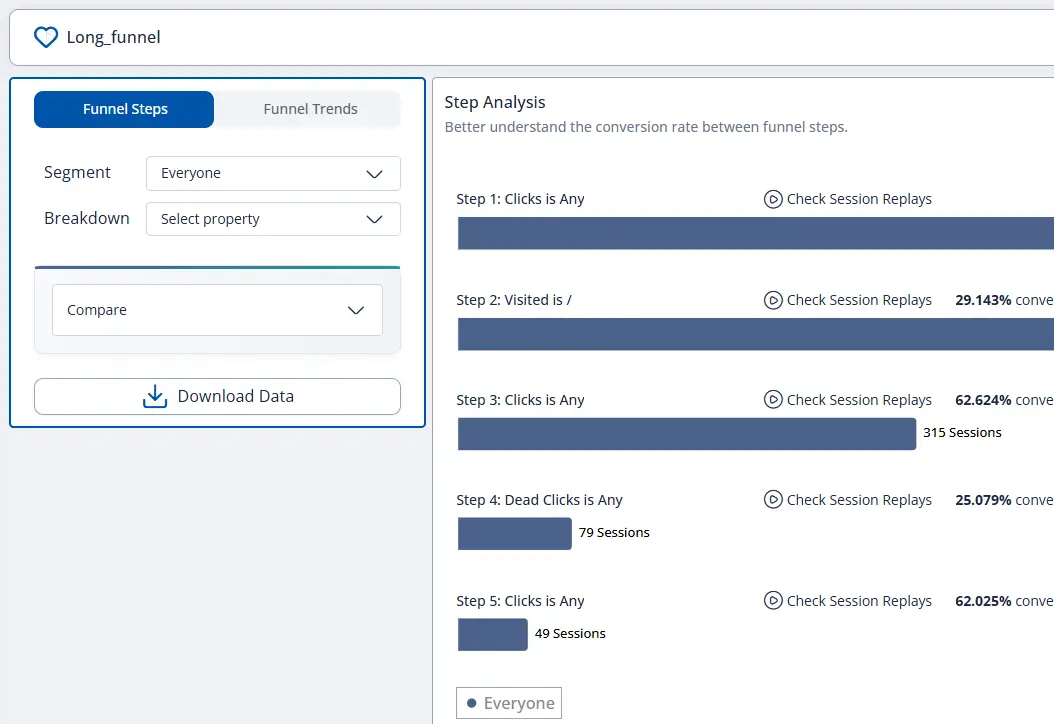
See where signup, checkout, applications, claims, and service flows leak conversion or completion
Funnels & Journeys
Find the exact step where users drop, hesitate, or fail to complete
- Build funnels for onboarding, checkout, bookings, applications, claims, and self-service journeys
- Spot the precise step where users abandon or slow down
- Jump from a journey step into the sessions behind the metric
Lift AI
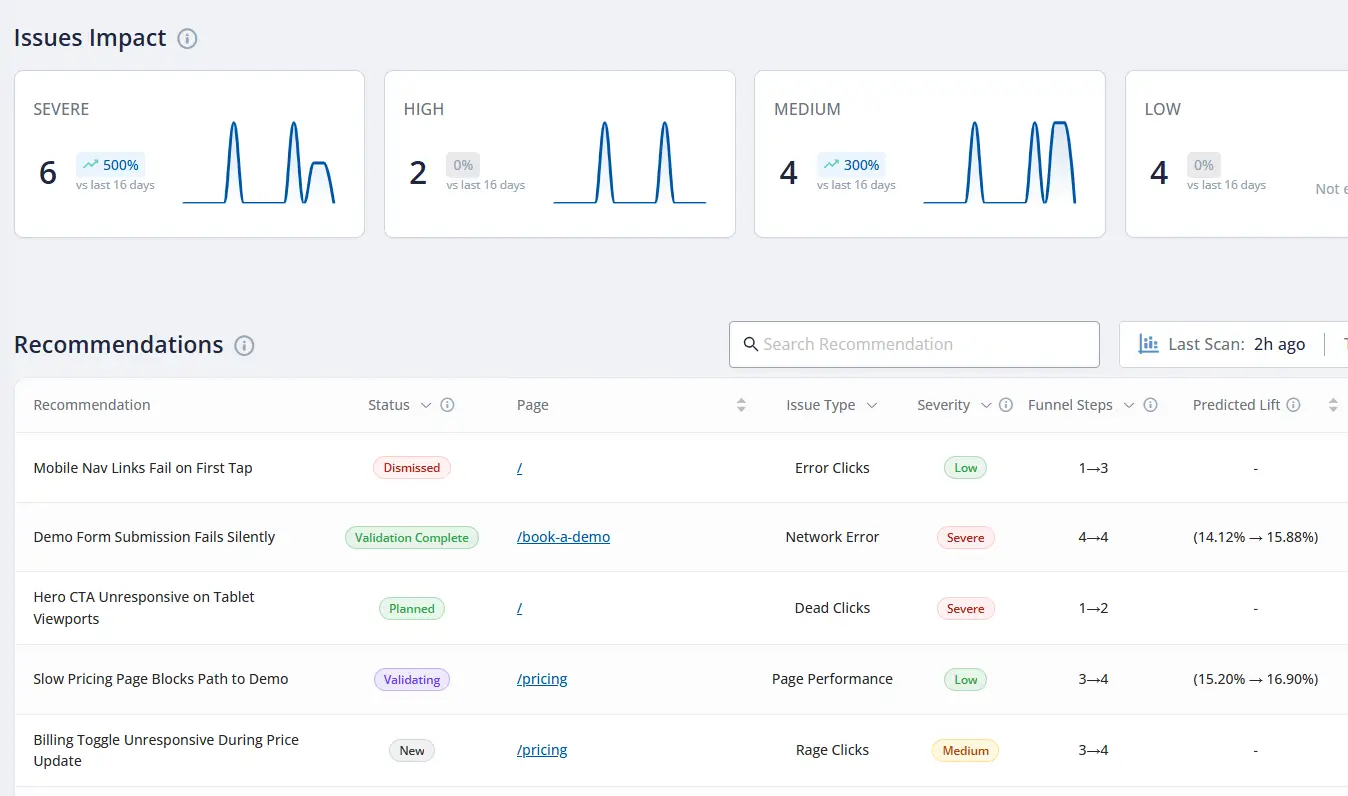
Prioritize the next fix by likely business impact — not just by noise or opinions
Lift AI
Move from observation to action faster
- Surface the issues most likely to affect conversion, completion, containment, or revenue
- Prioritize what to fix next based on expected business impact
- Validate whether the release actually improved the outcome after launch
Session Replay
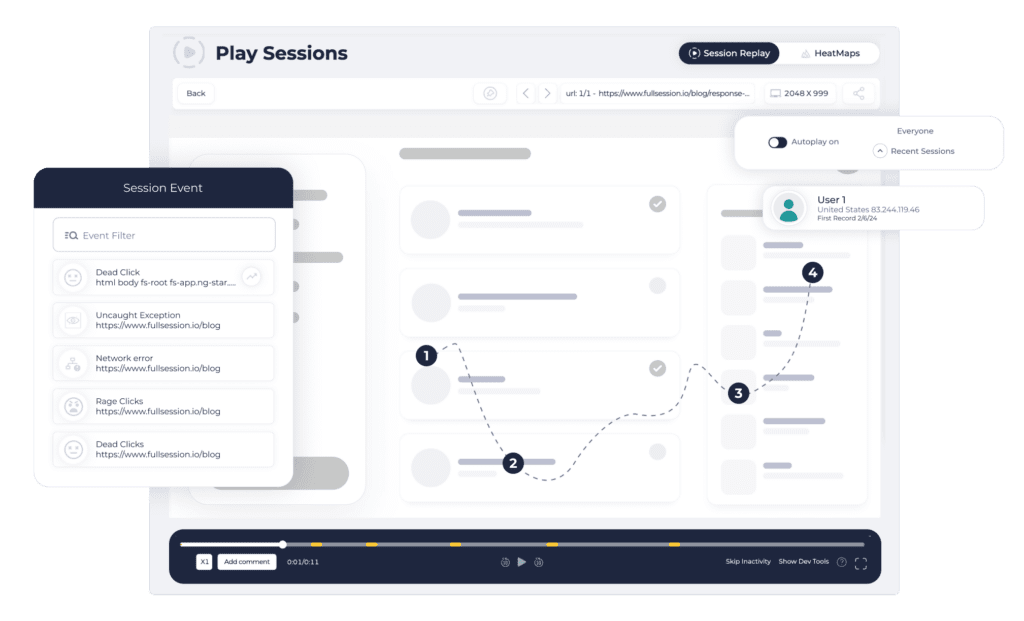
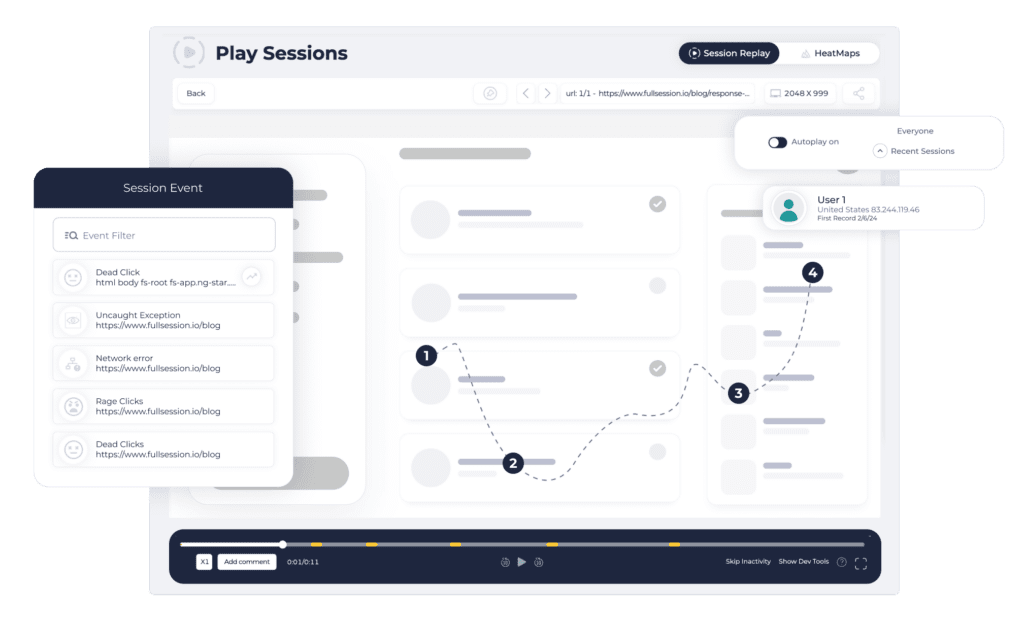
See exactly what users experienced across key journeys and failed moments
Session Replay
Give every team shared visual evidence
- Reproduce what users saw during onboarding, checkout, applications, or support journeys
- Move from funnels, errors, or feedback into exact session evidence
- Align product, support, operations, QA, and engineering around the same reality
Heatmaps & UX Signals
Understand attention, hesitation, weak CTAs, and friction patterns at scale
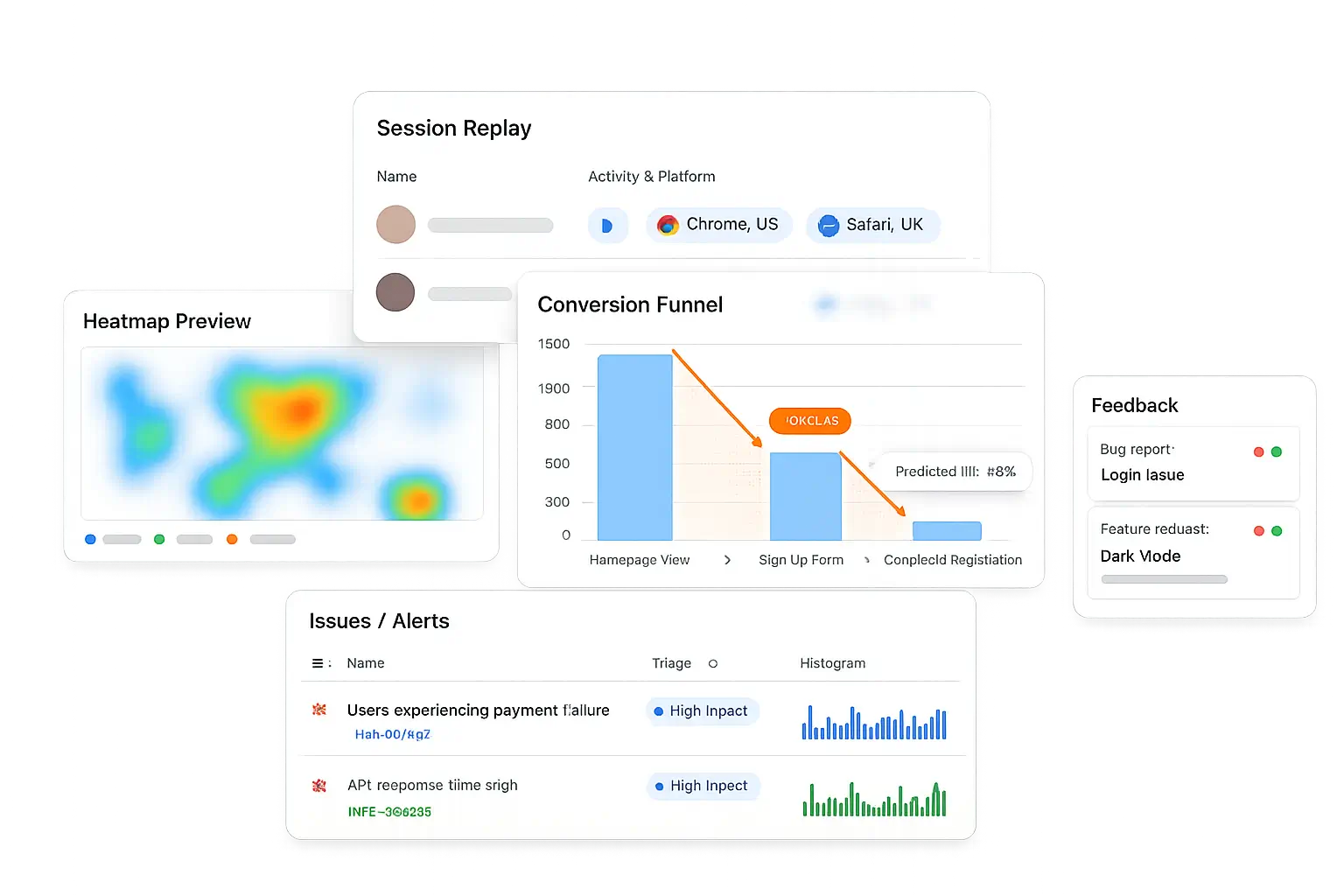
Heatmaps & UX Signals
See where users engage, hesitate, and miss what matters
- Track click, move, scroll, and frustration patterns on important pages and screens
- Identify weak CTAs, dead zones, and hesitation points faster
- Combine visual signals with replay and journey data for deeper diagnosis
Errors & Alerts
Connect issues to impacted users and failing journeys before complaints pile up
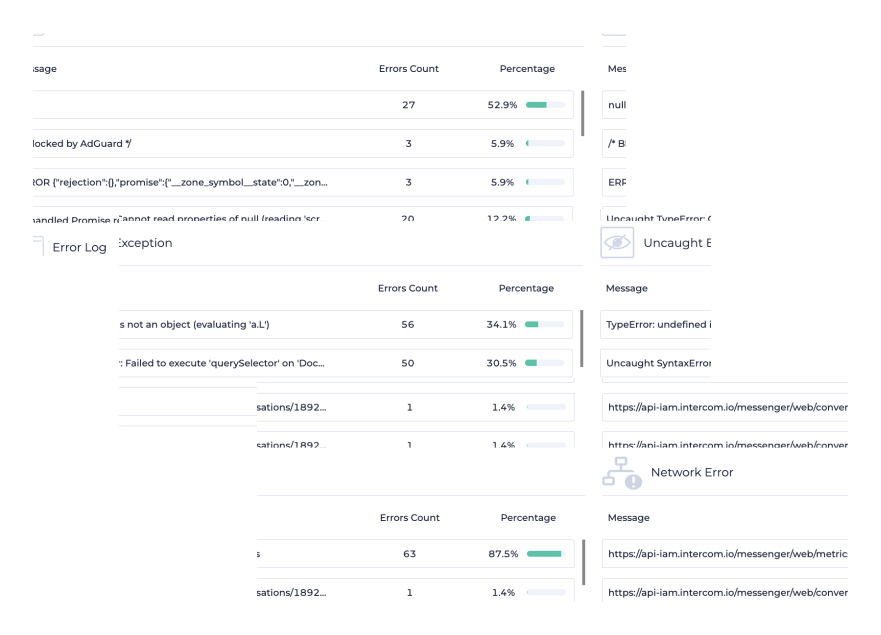
Errors & Alerts
Prioritize the problems that hurt users most
- Connect frontend and journey issues to the sessions where they occurred
- Prioritize by journey impact, not just raw error volume
- Reduce back-and-forth across product, QA, engineering, support, and operations
Feedback & Voice of User
Capture the why in users’ own words inside the journey where friction happens
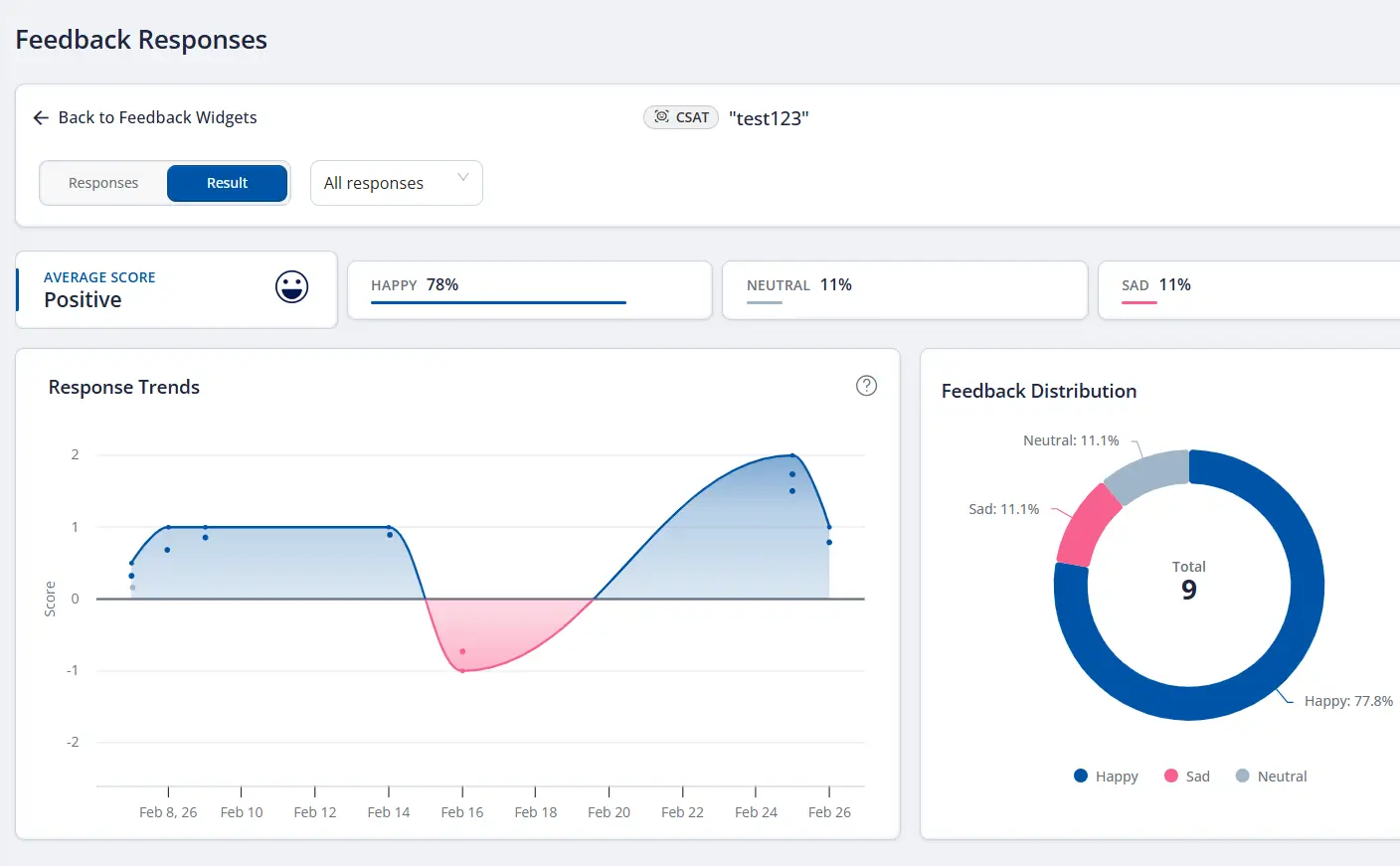
Feedback & Voice of User
Combine qualitative and behavioral evidence in one place
- Trigger feedback in checkout, onboarding, application, portal, or service flows
- Link comments directly to real session context
- Use what users say together with what they did for sharper decisions
Why teams switch
What usually pushes teams to look for a Microsoft Clarity alternative
Clarity is compelling because it is free and easy to adopt. Teams typically look elsewhere when they need a tighter path from replay and heatmaps to prioritized fixes, cross-functional workflow, and measured business outcomes.
Go beyond free visibility
Clarity makes it easy to see what users did. The harder question is what to fix first, why it matters to the business, and whether the release actually improved conversion or completion.
Optimize revenue-critical flows
For onboarding, checkout, applications, claims, and self-service portals, teams often need funnels, replay, heatmaps, feedback, and error context working together in one decision loop.
Align more teams around one workflow
Product, Growth, UX, Support, Ops, and Engineering move faster when the evidence, prioritization, and post-release validation live in the same operating system.
Choose FullSession if…
You need more than a free replay and heatmap layer
FullSession fits best when your team is optimizing onboarding, checkout, forms, applications, service journeys, or portal tasks — and needs one workflow to diagnose issues, prioritize fixes, and validate outcomes across teams.
- ✓You want replay, heatmaps, funnels, feedback, errors, and Lift AI in one operating loop.
- ✓You care about activation, conversion, task completion, revenue recovery, or portal success rate — not just free visibility.
- ✓You need Product, Growth, UX, Ops, Support, and Engineering working from the same evidence.
- ✓Privacy-first rollout and enterprise readiness matter for customer-facing websites and portals.
Or keep evaluating
Clarity may fit better when your priority is free behavior visibility
If your main need is a no-cost way to watch session recordings, view heatmaps, and spot frustration patterns, Microsoft Clarity is a strong option — especially as a companion layer inside a broader analytics stack.
Best next step
Review one journey that matters — onboarding, checkout, an application flow, a claim flow, or a support portal task — and compare which platform gets you to the next shipping decision faster.
In a FullSession walkthrough
- Journey diagnosis with replay + funnels + UX signals
- Lift AI prioritization on a real friction pattern
- Privacy, governance, and workflow fit for revenue-critical sites and enterprise portals
See the faster path from friction to impact
Get a tailored walkthrough focused on one journey that matters to your team — activation, onboarding, checkout, applications, claims, or a critical portal task.
FAQs
Quick answers for teams comparing FullSession and Microsoft Clarity.
Is FullSession a good alternative to Microsoft Clarity?
Yes — especially when your team needs more than free session recordings and heatmaps. FullSession is a stronger Microsoft Clarity alternative for teams optimizing revenue-critical journeys and needing a clearer path from evidence to prioritized fixes and measured outcomes.
What does Microsoft Clarity do especially well?
Microsoft Clarity is especially strong when you want a free way to watch session recordings, view heatmaps, and spot frustration signals like rage clicks, dead clicks, quick backs, and JavaScript errors. It is also attractive as part of a wider analytics stack because it integrates with Google Analytics.
When should I choose FullSession over Clarity?
Choose FullSession when your KPI is activation, conversion, task completion, revenue recovery, or portal success rate — and you need one workflow for replay, funnels, UX signals, feedback, errors, and prioritization with Lift AI.
How does pricing compare?
Microsoft Clarity is free forever and does not impose traffic limits, which is a major advantage if your main need is heatmaps, recordings, and frustration insights at zero software cost. Teams choose FullSession when they need a fuller operating system for conversion work, prioritization, team workflow, and impact validation.
Does Microsoft Clarity work for privacy-conscious or regulated sites?
Clarity is GDPR-compliant and provides consent-related guidance, but teams operating in regulated or security-sensitive environments should evaluate consent requirements, privacy setup, and governance needs early. FullSession is generally the stronger fit when enterprise rollout, privacy controls, and cross-functional operating workflow are central requirements.